


FAQ
What should I do if my Swim Jet remote falls in the pool?
If your Swim Jet remote accidentally falls into the water, retrieve it immediately and follow these steps: Shake off water: Gently shake the remote with the charging port facing downward to remove water from ports and gaps. Wipe the surface: Use a dry cloth to absorb water from the casing, charging port, and other areas.
⚠️ Important: Do not turn on or charge the remote if any moisture remains, and avoid using high heat to dry it.
How many modes does the Swim Jet P have?
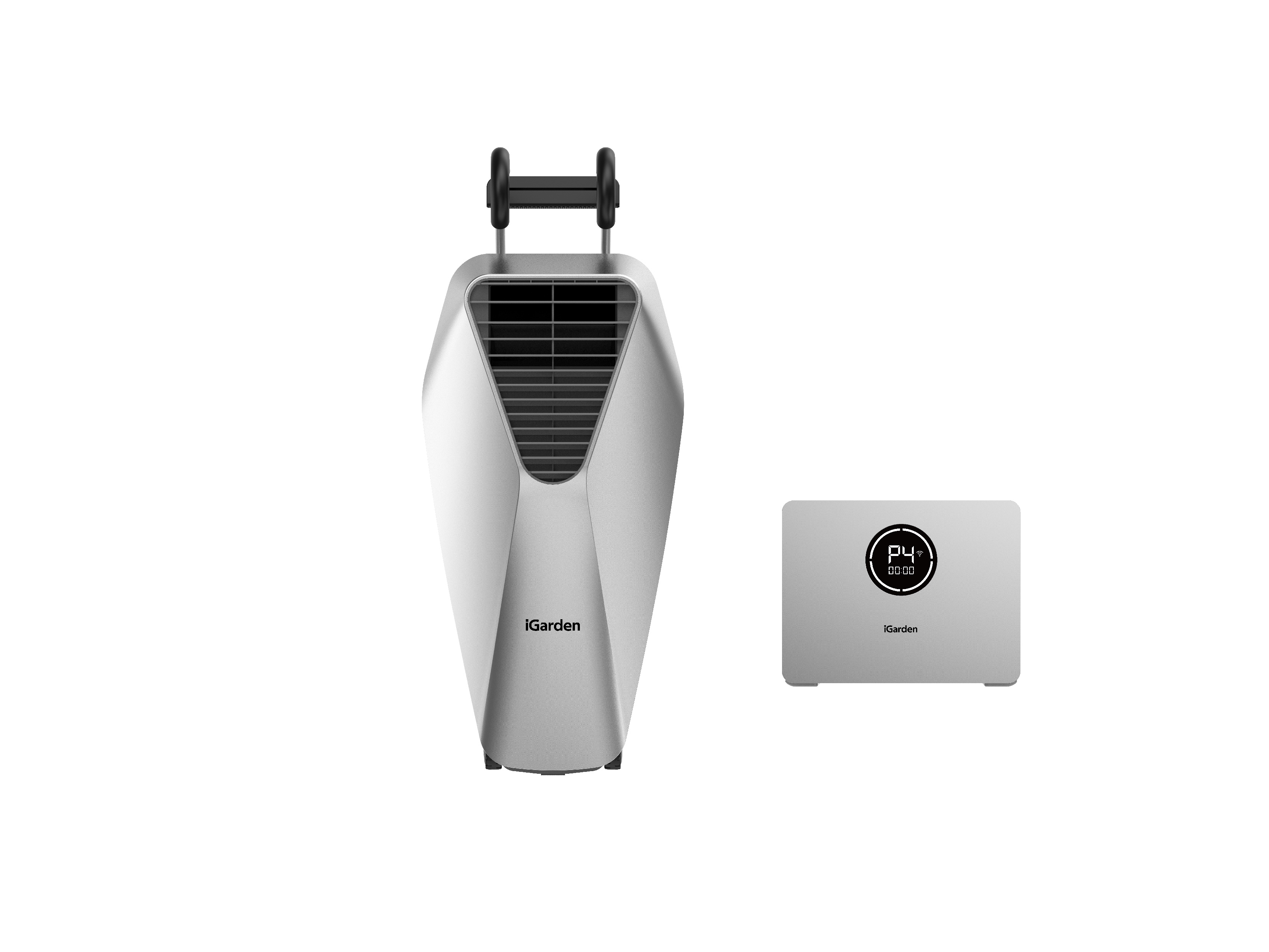
The iGarden Swim Jet offers 5 wave modes:
Training Modes (P1–P4): Designed for swimmers of all levels.
P1 (Beginner): Gentle flow, perfect for beginners or recovery, lasts 15 minutes.
P2 (Intermediate): Medium flow with noticeable variations, lasts 20 minutes.
P3 (Advanced): Strong flow for serious training, lasts 25 minutes.
P4 (Endurance): Steady flow for sustained swimming, lasts 30 minutes.
Entertainment Mode (P5): Fun, surfing-like waves with rapidly changing speeds from 30% to 100%.
Can I change the flow speed when using the Swim Jet P's Entertainment Mode?
No, the speed in Entertainment Mode is fixed and cannot be adjusted. This mode is designed to create a fun, surfing-like experience with rapidly changing currents.
Can I set a timer and adjust the speed for my Swim Jet P workouts?
Yes, the Swim Jet P supports timed sessions. You can set the training duration to 15, 30, 45, 60, 75, or 90 minutes, and choose from 5 different flow levels (20%, 40%, 60%, 80%, 100%). You can also adjust the speed anytime during the session to fit your needs.