


FAQ
What is the winter maintenance for the Swim Jet P?
When not in use for a long time, it’s best to remove your Swim Jet P from the pool and store it indoors in a cool, dry place.
US version:
Turn off the breaker to cut power.
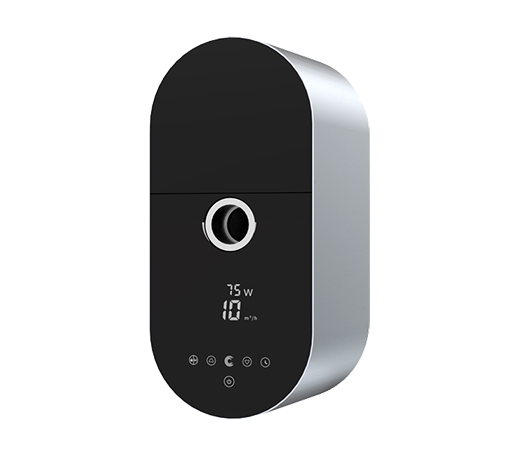
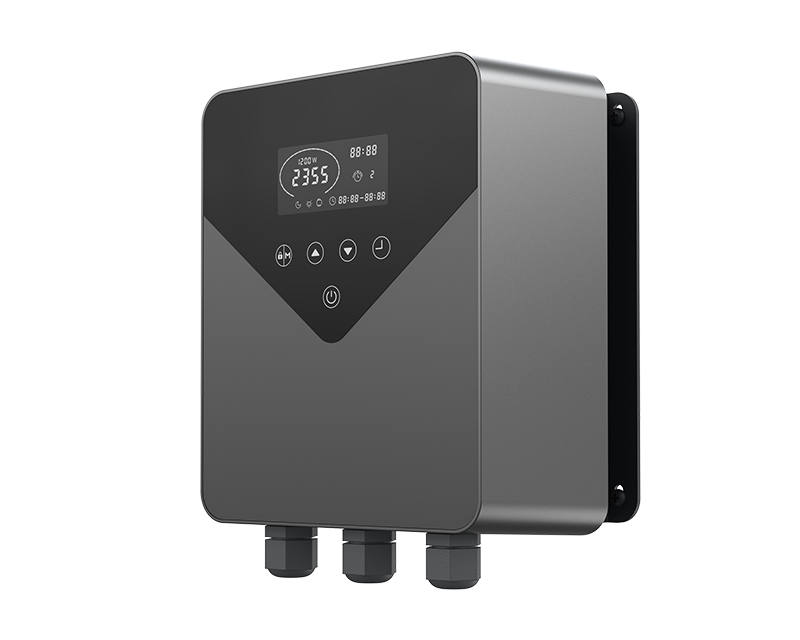
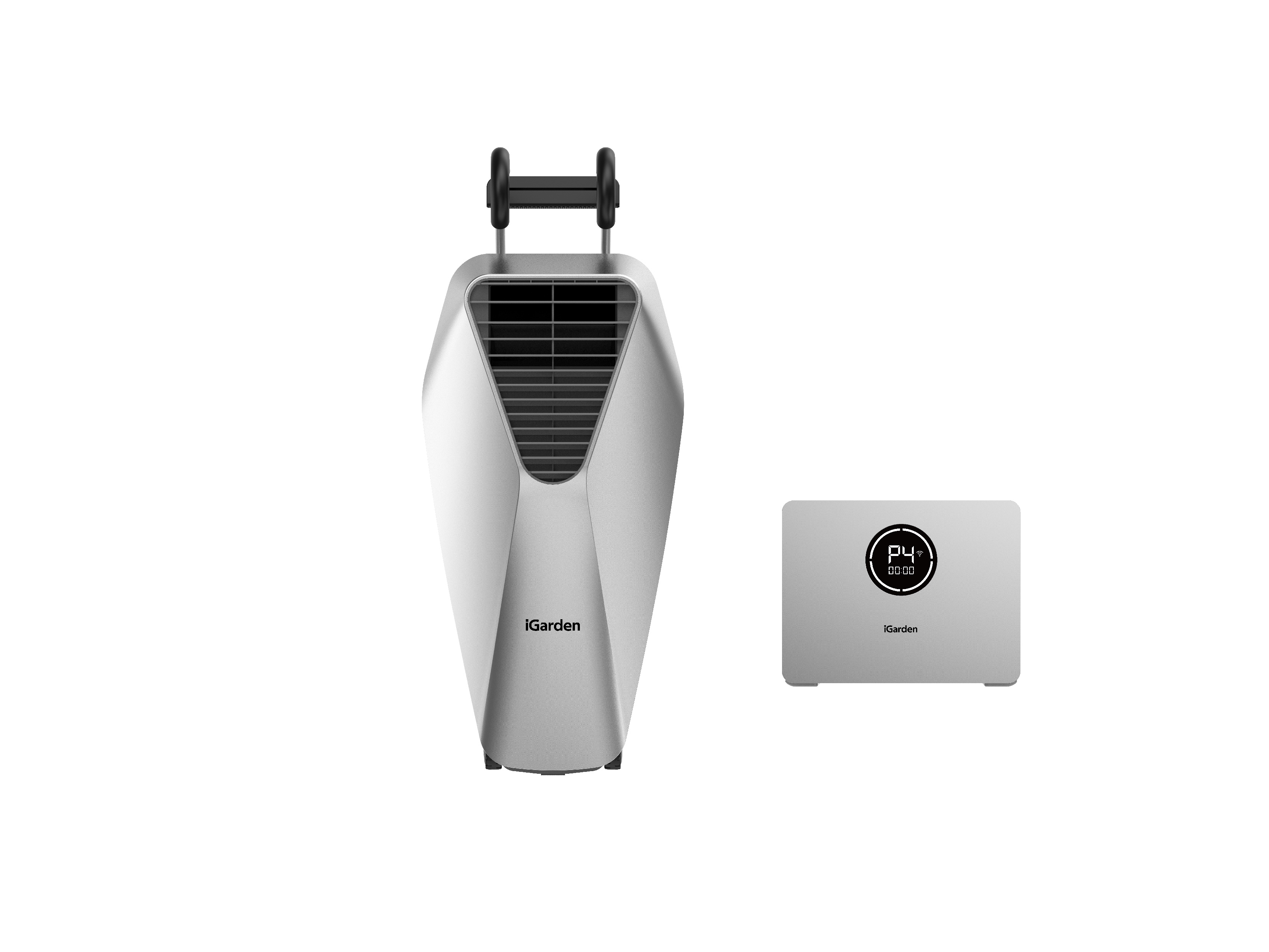
Disconnect the DC cable from the bottom of the control box.
Loosen the screws and remove the jet from the pool, then dry it thoroughly.
Store the jet unit and control box in a well-ventilated, dry place.
AU & EU versions:
Turn off the system using the power box.
Unplug the AC power cord.
Disconnect the DC cable from the bottom of the control box.
Loosen the screws and remove the jet, then dry thoroughly.
5.Store the jet unit and control box in a well-ventilated, dry place.
⚠️ Important: Cover all three connectors of the control box with the black protective caps during storage—never leave them exposed to air.
What should I do if the water flow is too weak?
Please follow these troubleshooting steps first:
Open the iGarden APP and connect Swim Jet P, check if there is available firmware to upgrade. If there is, upgrade the system first, while checking the performance of flow rate in different gears later.
Turn off other pool equipment (e.g., pool water recirculation treatment system) and restart the Swim Jet.
Confirm the current settings. If the setting is low, try to turn on Free Mode and set the flow rate at 100% to see if the overall water-flow rate increases to reach the maximum flow rate of the corresponding model.
If the issue continues, please contact iGarden Customer Support and provide:
A brief description of the troubleshooting steps you have already tried.
Photos or videos showing the issue.
Your order number or SN number.
What should I do if my Swim Jet P is running loudly or shaking up and down?
Please follow these troubleshooting steps first:
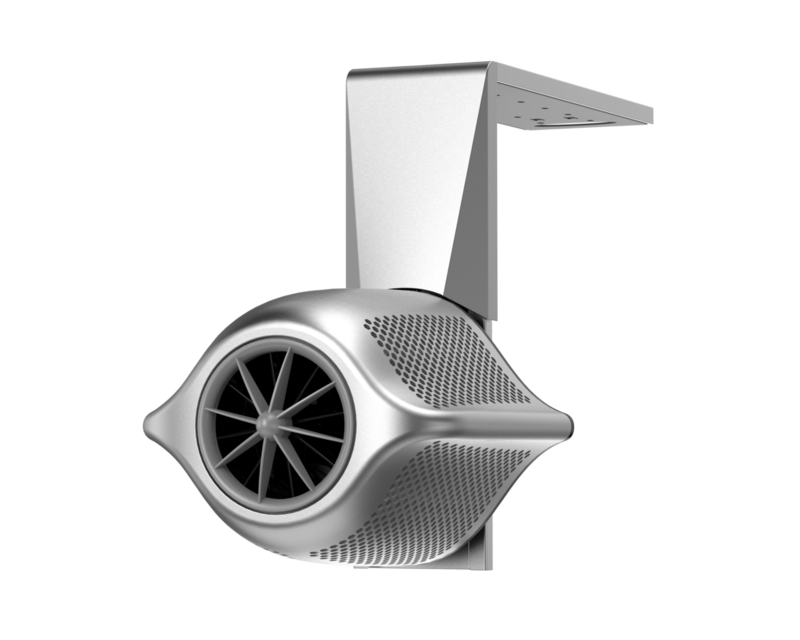
Please stop the device and check whether the jet is completely submerged.
If yes, check whether there is any foreign matter blocking at the filter and motor blades, and whether there is contact between the blades and the inner flow channel? If so, please remove the objects in time.
If the issue continues, please contact iGarden Customer Support and provide:
A brief description of the troubleshooting steps you have already tried.
Photos or videos showing the issue.
Your order number or SN number.